Download Facebook MP3
Download MP3 from Facebook or convert Facebook to MP3
How to convert Facebook to MP3 online?
To convert Facebook to MP3 on your PC or cell phone, you will need to follow three steps:
1
Select the video
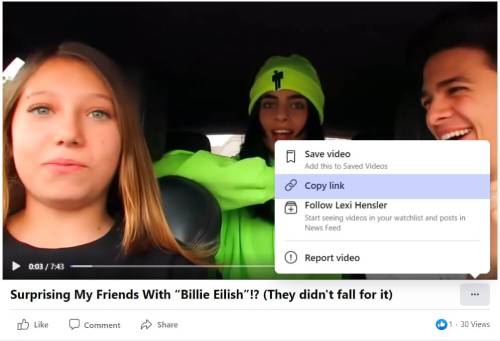
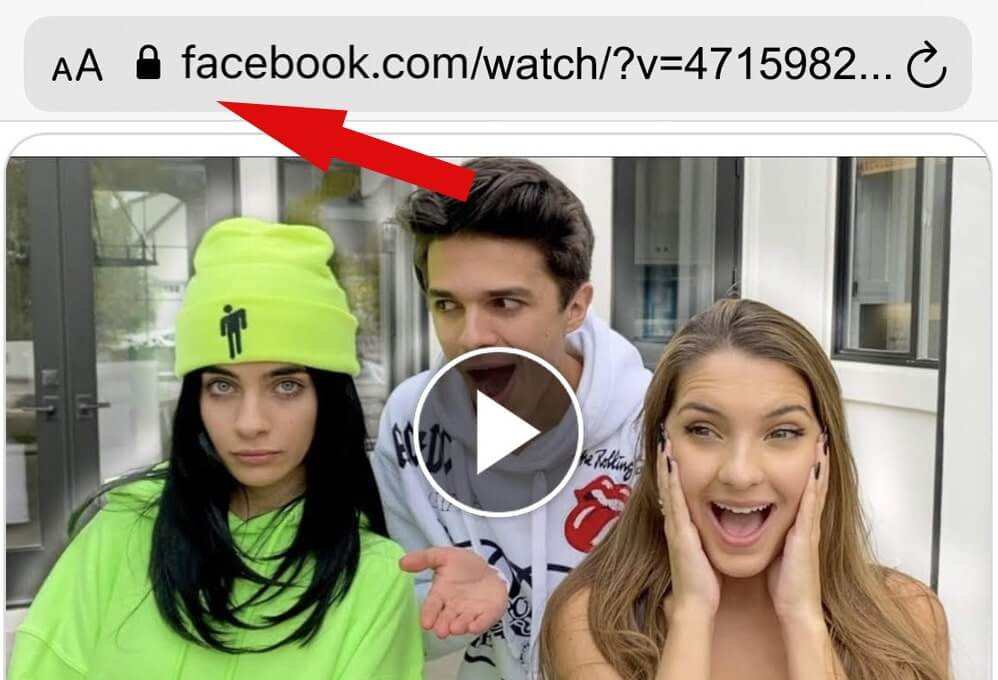
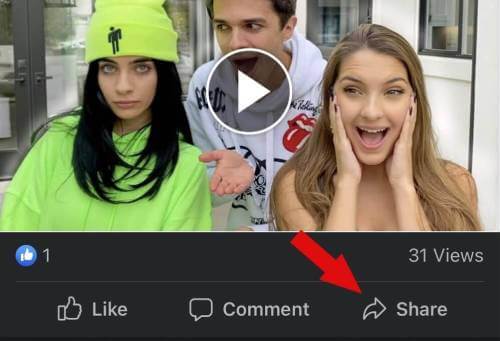
Copy the Facebook video URL from address bar to the clipboard, or right-click on the video and select it from the context menu.
2
Paste the URL.
Go back to the browser tab with the Facebook MP3 downloader window open and paste the link into the input field. Then select the desired quality.
3
Click the "Download" button
Click the dropdown list before the "Download MP3" button and select the preferred format option.
Web browser
Mobile browser
Android
Convert Facebook video to MP3 on a cell phone
getmyfb.com is the easiest and safest Facebook MP3 converter, which will help you to download Facebook video as MP3.
Copy the link of the Facebook video you want to save as an MP3 and paste the link in the input field. Within seconds, your Facebook MP3 will be on your Android or iOS cell phone.
Our Facebook to MP3 converter will help you to extract and save audio from a Facebook video to your device with the best quality. Try it now, it's completely free!
FAQs
The Facebook to MP3 converter is an online service that allows users to download Facebook videos as an MP3 quickly and conveniently. There is no software installation required for this tool, making it very user-friendly.
There is no limit to the number of videos you can convert to MP3 and download with our Facebook MP3 converter website.
Now it's even easier to convert videos from Facebook to MP3. All you need to do is simply copy the link to the video file and then paste it into the input field.
Certainly, it is possible, our website offers the downloading of Facebook music, which works perfectly on all web browsers like Chrome, Firefox, Opera, Safari on iOS or Android mobile devices.
Yes! You can use our Facebook to MP3 converter online for free for an unlimited time. We do not take anything and do not ask for donations.